Blog · Bench
The DPI declares, the ruler measures
How many micrometers is one pixel? The DPI saved in the file is a declaration. The ruler photographed with the seeds is the measurement.
October 16, 2026 · 6 min read · by Enrico S. Ambrosio
Every image measurement starts with one question. How big is a pixel? Without that answer, a seed measures 80 pixels, and that means nothing to anyone who plants, stores or publishes.
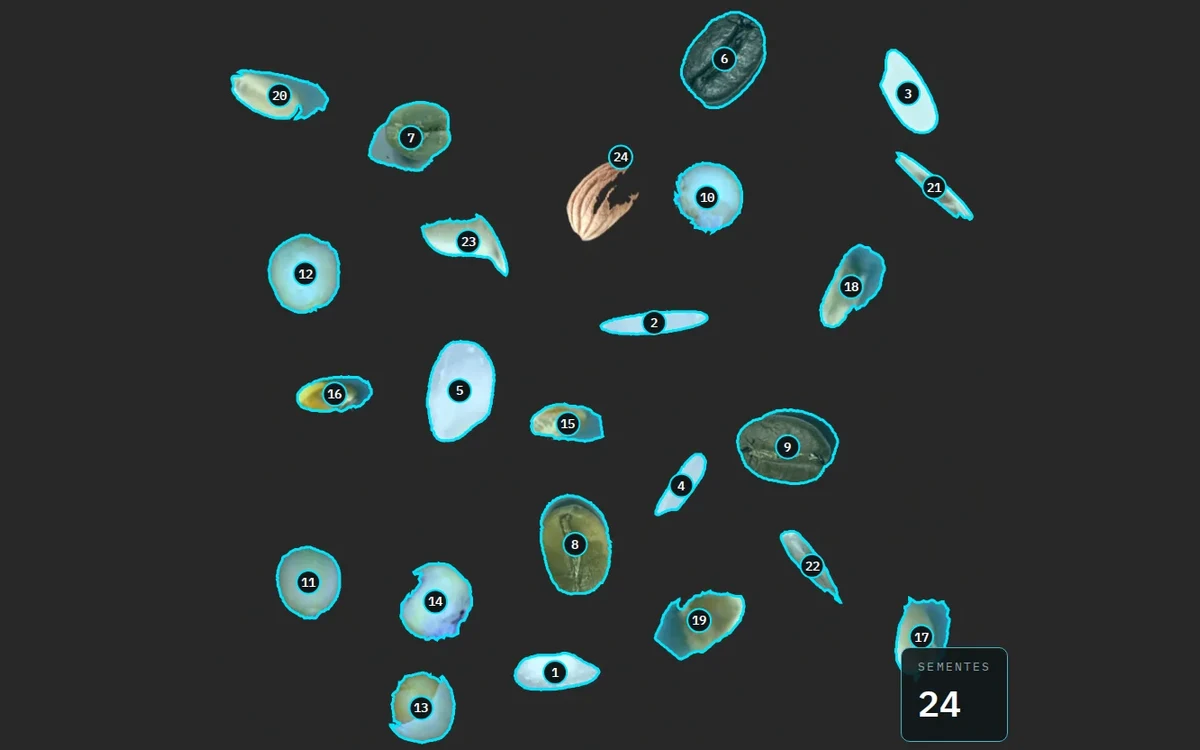
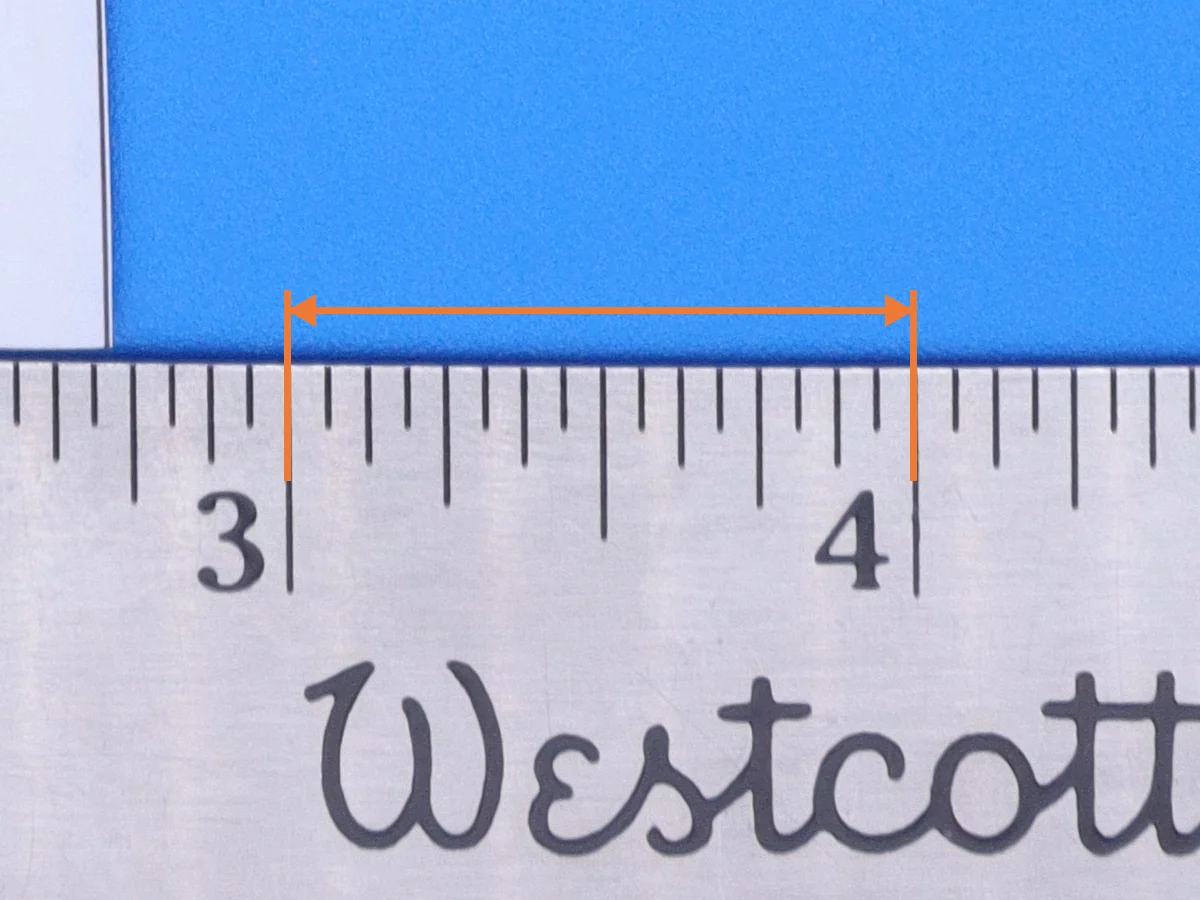
The animation above uses a real image: a scan from the orchid research group (GPEOrq), with orchid seeds on a slide and a millimeter ruler next to them, in the same plane. It goes from the slide to the ruler and from the ruler to the size of one pixel.
The ruler math
In the scan, the 5 cm mark and the 7 cm mark are 3,790 pixels apart. That is 20 mm. The scale comes from two divisions.
- 3,790 px ÷ 20 mm = 189.5 px/mm.
- 1 mm ÷ 189.5 px = 0.00528 mm per pixel, or 5.28 µm.
- An orchid seed with a length of 80 px measures 80 ÷ 189.5 ≈ 0.42 mm.
For a sense of size, a hair is 50 to 100 µm across. At this scale, it spans 9 to 19 pixels.
When the seed was the ruler
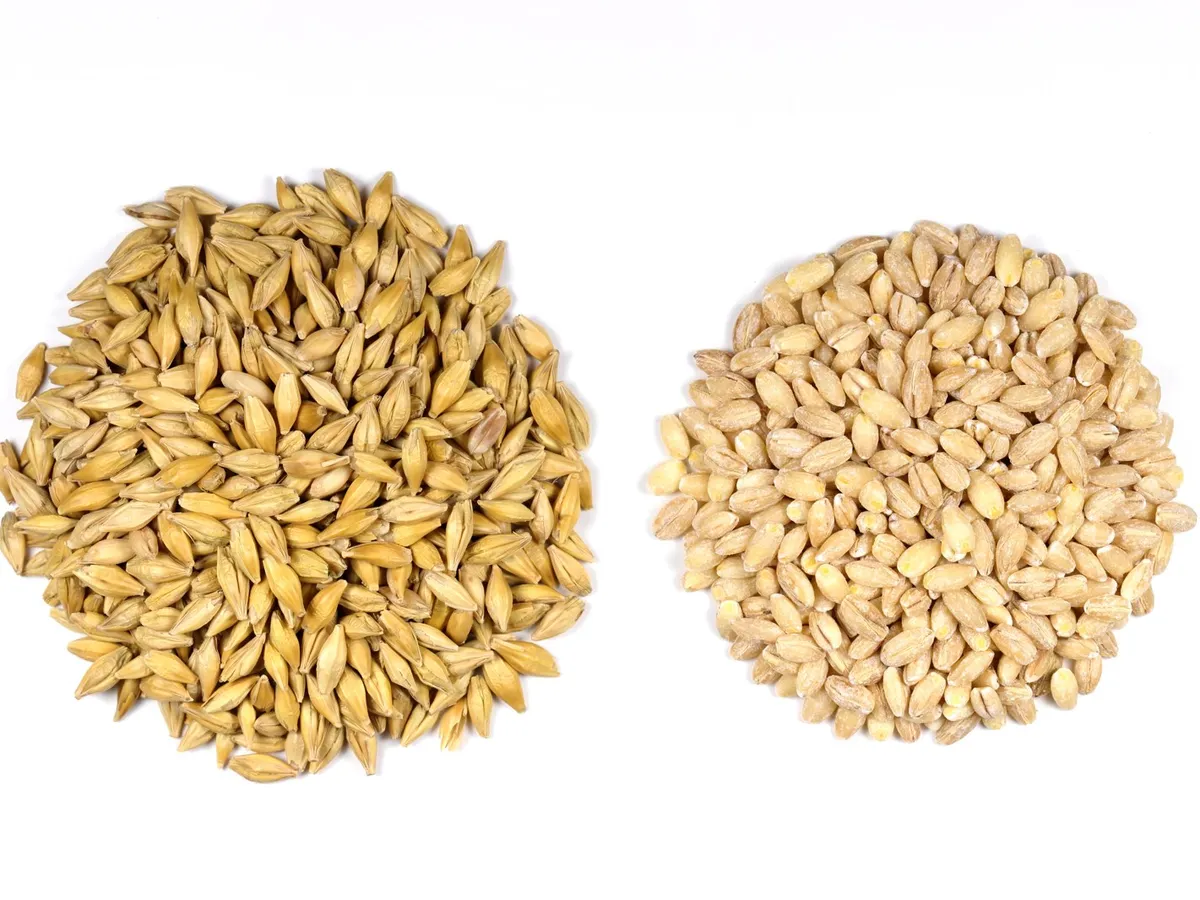
Measuring against a known reference is an old idea, and it started with seeds. In medieval England, a text from around 1300, the Composition of Yards and Perches, said to take three grains of barley, dry and round, laid end to end, to make an inch. UK shoe sizes still count that way: each size up is a third of an inch, one barleycorn. As with the carob carat, a ruler made of seeds changed with the harvest. That is why it became a metal ruler.
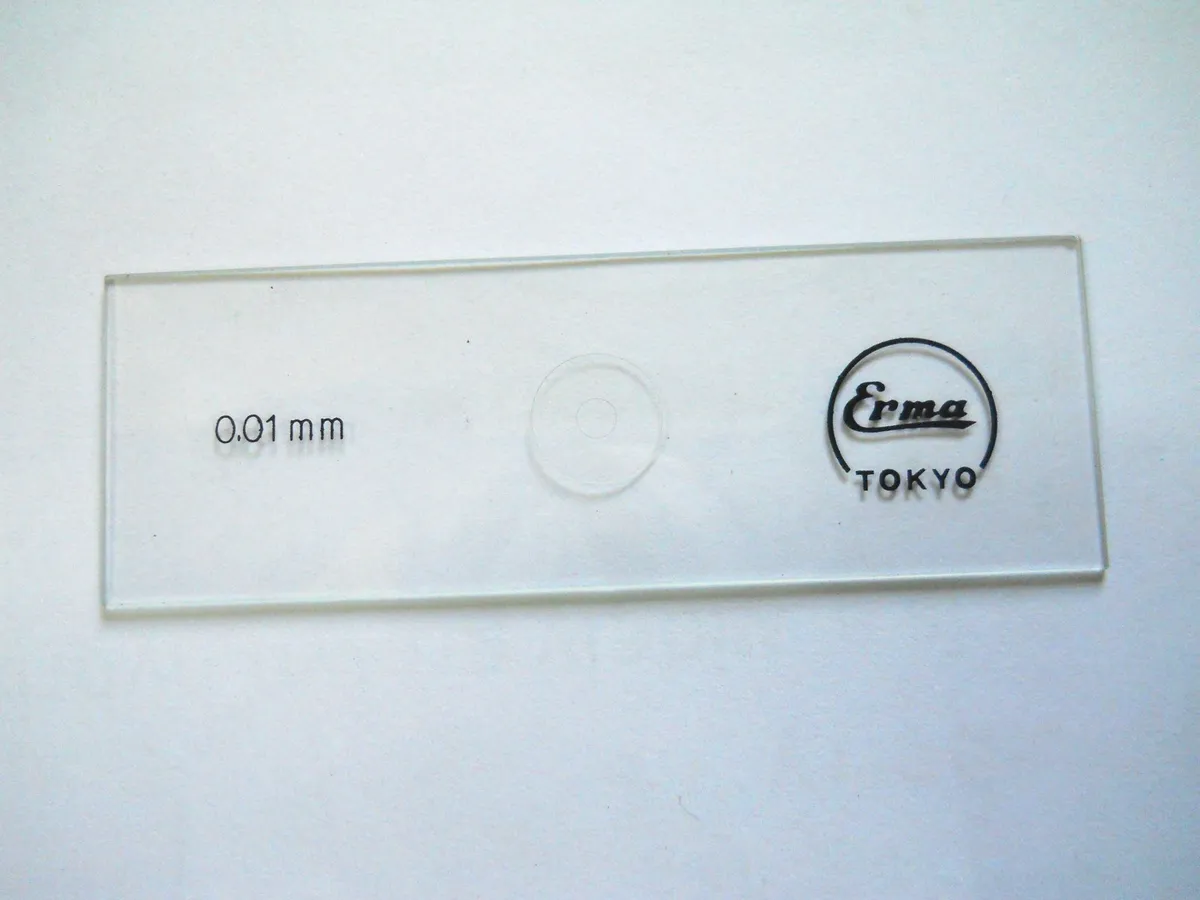
Under the microscope, the ruler still sits with the sample. The eyepiece has an engraved scale with no unit. To find out what each line corresponds to, you put a stage micrometer on the stage, with 1 mm divided into 100 parts of 10 µm, and count how many eyepiece lines cover how many slide lines. Each magnification has its own count. SeedCounter does the same with the ruler in the photo: the scale comes from the image, not from the equipment.
Why DPI is not enough
Every image file can store a DPI value, dots per inch. It is the number the software wrote there, without looking at the scene. Many cameras write 72 dpi on every photo, whether the lens is 10 cm or 1 m from the plate. A crop or a resize changes the pixels and can leave the old DPI in the file.
The 72 dpi comes from the first Macintosh computers, where a typographic point, 1/72 of an inch, took up one pixel on screen. The number became the default of many programs and many cameras, and it has nothing to do with the distance to the seeds.
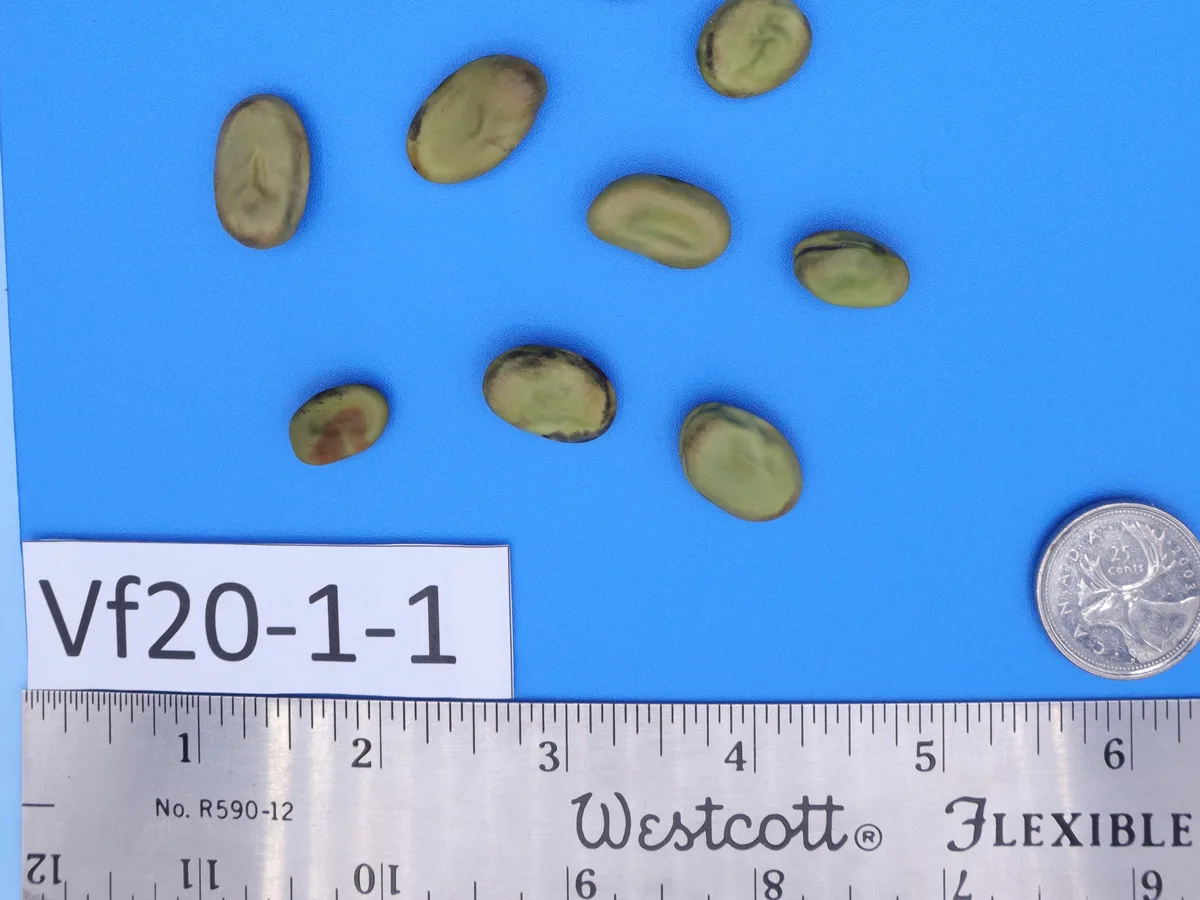
In the faba bean photos we use in our examples, taken by Ortega Polo and Larkan with a Canon EOS M50 Mark II, the file says 72 dpi. The ruler in the photo itself measures 625.9 pixels per inch. Anyone who trusted the file would divide every measurement by 72 instead of 626: an 18.2 mm bean would come out at 15.8 cm.
| Image | The file says | The ruler measures | Difference |
|---|---|---|---|
| Faba bean, Canon EOS M50 Mark II | 72 dpi | 626 px per inch | 8.7 times |
| Faba bean, same camera, farther away | 72 dpi | 584 px per inch | 8.1 times |
| Orchid, HP Scanjet G2710 scanner | 4,800 dpi | 4,813 dpi | 0.3% |
The camera writes 72 on both faba bean photos, taken from different heights. Only the ruler shows that one of them has almost 7% fewer pixels per millimeter.
The scanner gets closer. At 1,200 dpi, it promises 47.2 px/mm. Even so, we treat that value as a declaration. The ruler in the image is the measurement, because it was captured under the same conditions as the seeds, at the same height and in the same file.
In the animation's scan, the file says 4,800 dpi and the ruler gives 4,813: here the declaration was right, off by 0.3%. The error shows up when you use the usual number. With 3,600 dpi, the value saved in other scans from the same lab, each pixel would be taken as 7.06 µm, and every measurement in this image would come out 34% larger.
How much one pixel of error matters
The edge of a seed never falls exactly between two pixels. One pixel more or less is the smallest error any outline can have. How much it matters depends on how many pixels the seed has.
With a camera at 40 px/mm, a seed 2.3 mm wide takes up 92 px, and one pixel of error is 1.1% of the width. If the same seed has only 30 px, one pixel is already 3.3%. That is why, on a well-set-up bench, each seed takes up dozens of pixels along its short axis.
SeedCounter does this math with you. You mark two points on the ruler in the image and say how many millimeters are between them. The app calculates the scale in µm/px, and measurements come out in millimeters, with the scale recorded. In the app, it looks like this.
In the recording, the marking goes from one centimeter to the next and gives 5.30 µm per pixel. In the animation at the top, with 2 cm, it comes out at 5.28 µm. The 0.5% difference is the same one-pixel effect, now on the ruler: the longer the marked stretch, the less each pixel counts. Whenever you can, mark the longest stretch of the ruler.
A plastic ruler is cheap and does the job. Put it at seed height, inside the frame, in every image. Then mark the ruler in SeedCounter and watch each seed come out in millimeters.
Sources
- Barleycorn (unit), with the Composition of Yards and Perches, around 1300. Wikipedia
- Dots per inch, on the Macintosh 72 dpi and DPI as a print instruction. Wikipedia
- Calibrating the eyepiece with a stage micrometer. Microscope World
- Ortega Polo and Larkan (2026). Faba Bean Seed Image Dataset for Computer Vision Based Phenotyping Studies. Zenodo, CC BY 4.0. doi.org/10.5281/zenodo.18226381
For the full math: From pixel to millimeter, with scale uncertainty and a calibration simulator.