

Blog · What the machine sees
Every seed counts, and every count gets checked
Counting seeds looks easy until the plate fills up. See how SeedCounter proposes each outline and lets you check them one by one.
October 13, 2026 · 3 min read · by Enrico S. Ambrosio
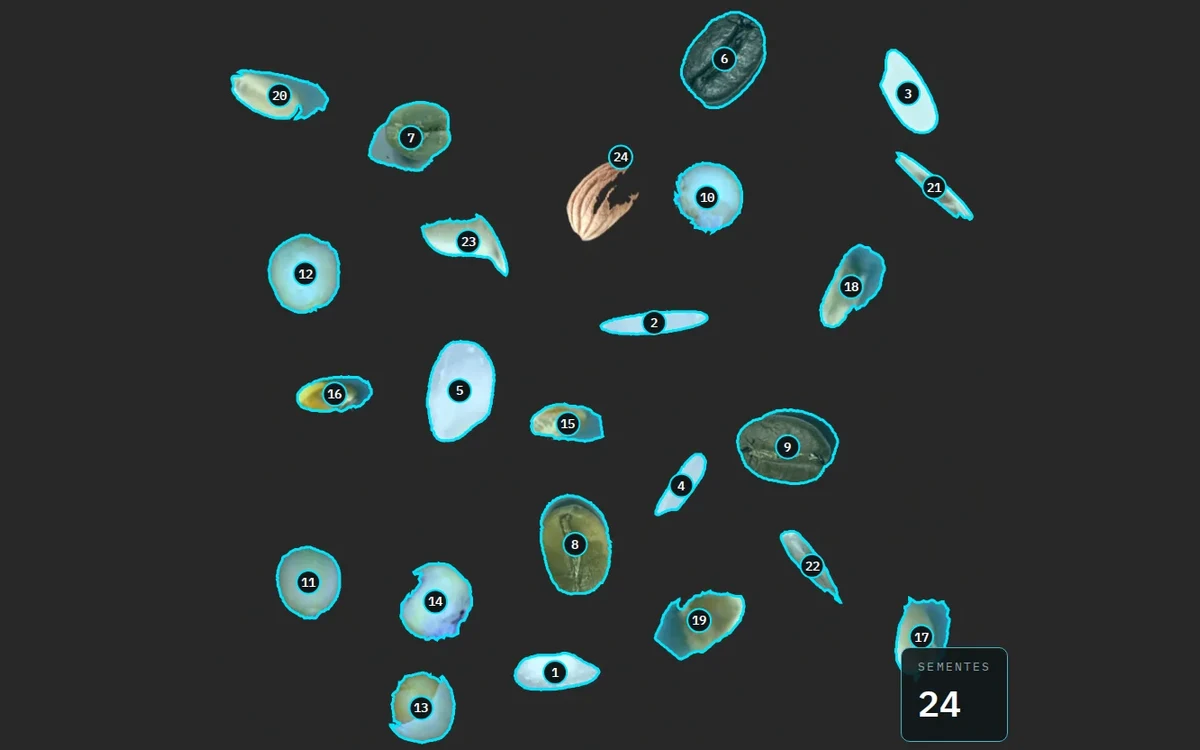
Counting seeds is one of the oldest jobs at the bench. It looks simple until the plate passes 50 seeds. Then the eye skips one, counts another twice, and nobody knows which.
We built SeedCounter to take the count out of memory and put it on the image. Each seed gets an outline and a number. If the total looks odd, you can go back and check seed by seed.
Why counting still matters
A lot of lab math starts with a number of seeds. Thousand-seed weight, described in the Brazilian Rules for Seed Testing (RAS), converts mass to number and uses eight replicates of 100 seeds. The germination test works with 400 seeds, split into replicates. A counting error at the start follows you all the way to the test report.
Counting by eye leaves no trace. Counting on the image does. The photo, the outline and the number of each seed are saved, and anyone can check it again later.
The machine proposes, the person checks
In SeedCounter, one click on a seed sets off a wave that grows out to the edge. In that case, you picked the seed yourself, and the outline goes into the count right away, already numbered. If it came out wrong, you can undo it or fix it.
When the machine is the one looking for seeds, the proposal shows up dashed over the image and only enters the count when you apply it. Then it becomes a solid line, and each seed stays open for review in the gallery. For large batches, an optional model suggests the seeds in every image in the queue. The rule stays the same. Nothing becomes data without going through you.
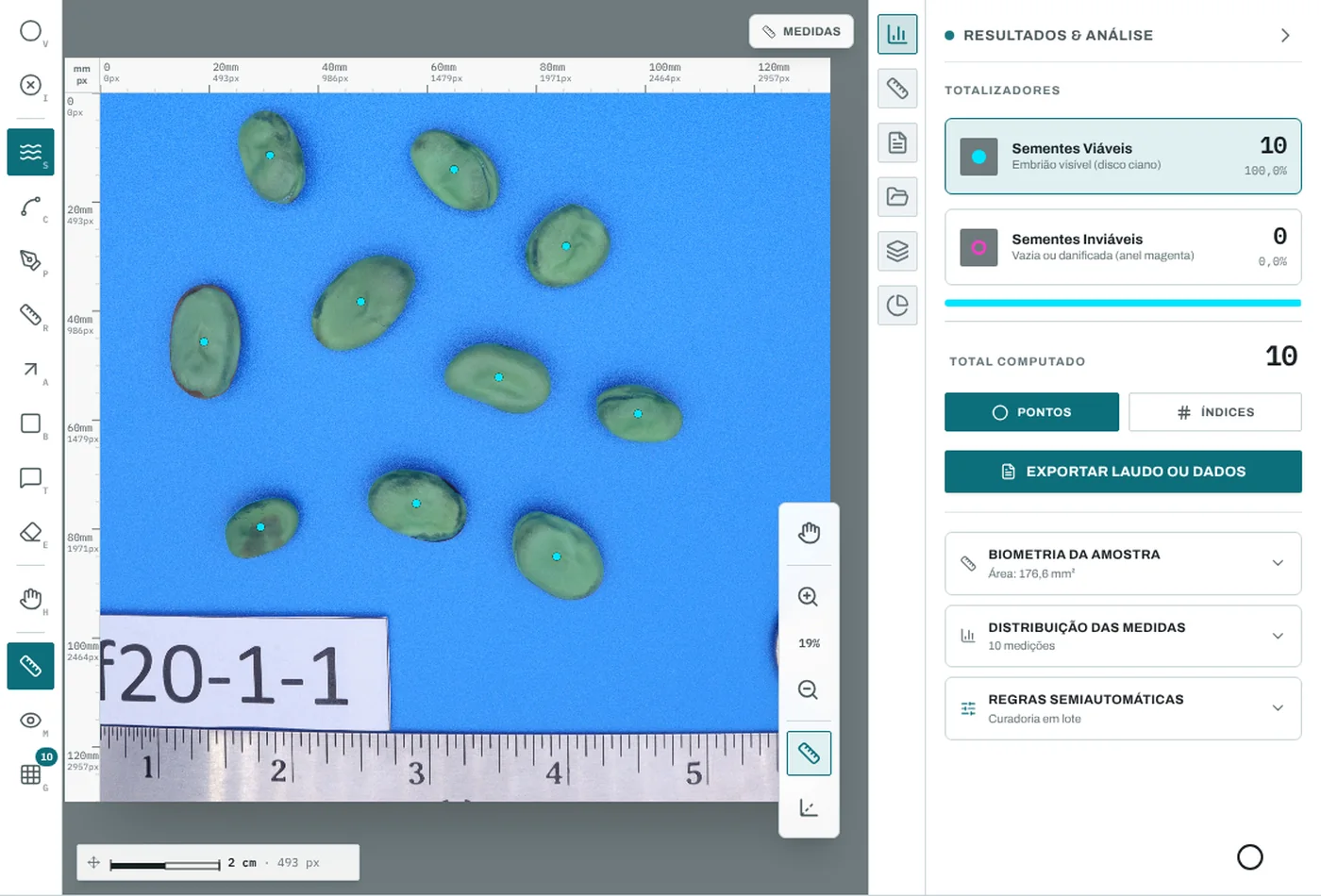
In the app, it looks like this.
Where the count still goes wrong
We'd rather show the error than hide it. Three situations need extra attention.
- Touching seeds can merge into one. The app proposes splitting them, and the decision to split or keep them also goes through you.
- Elongated seeds, like orchid seeds, confuse the splitting. In soybean the distance field has a single peak. In orchid seeds it turns into a ridge, and the algorithm sees two seeds where there is one.
- Dust, a bit of straw or a dark shadow can look like a seed. The numbered count makes the intruder easy to find and remove.
That is why every seed comes out with a number. The number is the address for checking. If someone asks about seed 17, it is right there in the image, with the outline you approved.
The cover of this post puts together 24 seeds from five crops, taken from public datasets, on a single sheet. Want to test your eye first? Try the plate challenge and then count a plate of your own in SeedCounter.
For the full math: Agreement with the analyst, on how to check a counting tool.